
Quick answer: Tubi, Pluto TV, The Roku Channel, Samsung TV Plus and Xumo Play are free and legal; you trade a few minutes of ads per hour. With a library card, Kanopy and Hoopla are free too.
Free streaming in the United States is legal, legitimate and bigger than most people realise. The services below are run by Fox, Paramount, Roku, Samsung and Comcast — not by anyone you need to worry about. They pay for themselves with ad breaks, and that is the whole trade you are making.
One thing to be clear about up front: free services do not carry current-season prestige shows. They carry back catalogue, older films, live news and a surprising number of channels you did not know existed. For a household trying to trim a $70-a-month streaming bill, that is often enough to cut one paid subscription entirely.
The short version
- No subscription and no credit card on anything listed here
- Most need no account at all; signing in only saves your place across devices
- The trade is ad breaks, usually a few minutes an hour, and they are not skippable
- Kanopy and Hoopla are free with a library card — your public library pays for them
- Amazon’s Freevee was shut down and folded into Prime Video, so ignore older lists that still recommend it
There is a slide-by-slide version in our free streaming services web story.
Which free streaming service is best for what?
| Service | Best for | Account needed? |
|---|---|---|
| Tubi | The biggest free movie and TV catalogue | No |
| Pluto TV | Live channel surfing, 250+ channels | No |
| The Roku Channel | A broad free hub if you own a Roku | No |
| Samsung TV Plus | Live channels already built into Samsung TVs | No |
| Xumo Play | Live channels with no login at all | No |
| Sling Freestream | Free live news and entertainment channels | No |
| Plex | Free films plus your own media library | Free account |
| Kanopy / Hoopla | Documentaries, indie film, audiobooks | Library card |

Tubi: the one to install first
Tubi is owned by Fox and has the largest free on-demand catalogue in the US — tens of thousands of films and TV episodes, with estimates running well above 50,000 titles depending on who is counting. It runs on effectively every platform, and it does not ask for an account.
The honest limits: the catalogue rotates every month, so a film you bookmarked may be gone in eight weeks, and the interface buries good titles under rows of filler. It rewards searching for something specific rather than browsing.
Pluto TV: for when you do not want to choose
Pluto TV is Paramount-owned and organised like cable: 250-plus live channels running on a schedule, including channels dedicated to a single show. It is the best free option for background viewing, and the one most likely to replace the habit of flicking through channels.
The limits are the ones you remember from cable. You cannot pause a live channel or rewind it, and the on-demand section is noticeably smaller than Tubi’s.
The Roku Channel: best if you already own a Roku
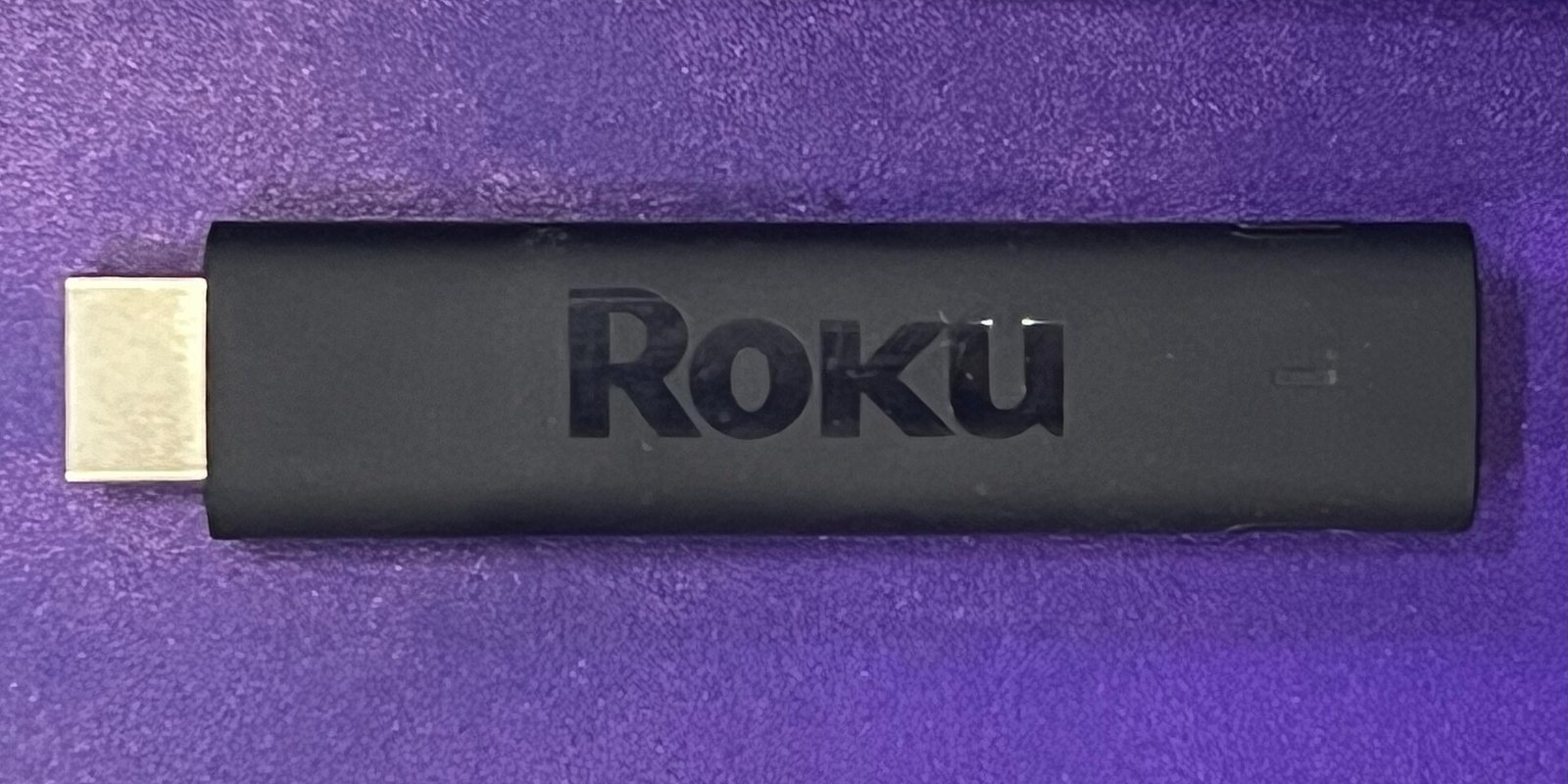
The Roku Channel bundles free films, TV, live news, kids’ programming, Roku Originals and hundreds of live channels. It works on the web and some other platforms, but it is clearly built for Roku hardware and is the main reason a cheap Roku stick is good value.
If you are choosing a device, our Roku vs Fire TV comparison goes through which brands keep supporting their hardware longest — which matters more than the sticker price, because an abandoned stick stops running apps properly after a few years.
Samsung TV Plus and Xumo Play: already on your TV
Samsung TV Plus is built into Samsung smart TVs, and Xumo Play comes preloaded on many Hisense and Vizio sets as well as its own streaming boxes. Neither needs a download or a login. Most people who use these do not think of them as a “service” at all — they are just channels that appear in the TV’s own guide.
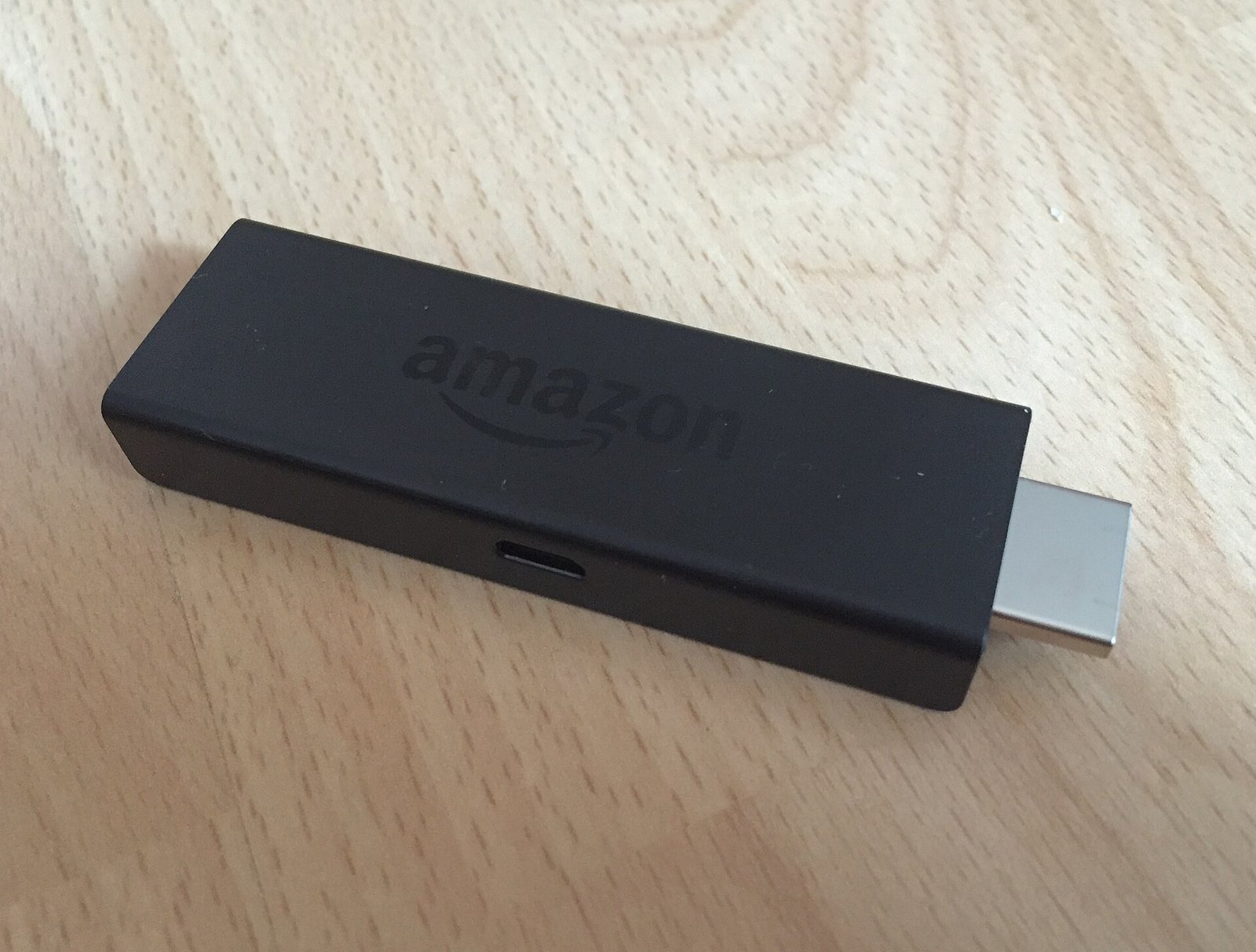
If your TV is a few years old and these are missing, a $30 stick adds them along with everything else on this list.
The free option almost nobody uses: your library card
Kanopy and Hoopla are paid for by your public library, which means they are free to you and carry a far better catalogue than the ad-supported services — Criterion titles, documentaries, foreign film, plus audiobooks and comics on Hoopla.
The catch is a monthly borrowing limit, usually a handful of titles, set by your library rather than by the service. For anyone who watches two or three films a month and cares what they are, this is the best free streaming in the country and it requires nothing more than a library card.

What free streaming will not give you
No free service carries current-season Netflix, HBO or Apple originals. None carries most live sports beyond a few free channels. Ads are not skippable, catalogues rotate without warning, and local broadcast channels are usually missing.
The realistic way to use all this: free services for background viewing and back catalogue, plus one paid service at a time for the shows you actually care about, rotated when you finish them. Our guides on streaming bundle packages and cancelling streaming subscriptions cover the paid half of that.
How to tell the legitimate services from the illegal ones
A simple rule covers almost every case. If a site offers films still showing in cinemas, asks for a card “just to verify” that you are not a robot, or wants you to install a browser extension or APK, it is pirating content and often harvesting card details alongside.
Everything on this page is an ordinary app from a named company in the Roku, Fire TV, Apple and Google app stores. If you cannot find it there, it is not one of these.
Also read: How to watch local channels without cable. Add a free antenna to these free apps and you may not need to pay for TV at all. Want live channels too? Compare YouTube TV vs Hulu + Live TV vs Sling.
Which free service fits you?
| If you mostly want… | Start with | Why |
|---|---|---|
| Movies on demand | Tubi | Largest free catalog; search for a title instead of browsing |
| “Cable-style” channel surfing | Pluto TV | 250+ live channels on a schedule |
| Everything in one app on a Roku | The Roku Channel | Free films, TV, news and kids’ shows in one place |
| Nothing to install | Samsung TV Plus or Xumo Play | Often built into the TV’s own channel guide |
| Award-winning films and documentaries | Kanopy or Hoopla | Paid for by your public library |
| Free live news | Pluto TV, Sling Freestream | Live news channels with no sign-in |
| Kids’ shows | Kanopy Kids, The Roku Channel | Kanopy Kids titles never use library tickets |
Set up free TV in 15 minutes
- Open your TV’s app store (Roku, Fire TV, Google TV, Apple TV or your smart TV’s store).
- Install two apps: one on-demand app like Tubi and one live app like Pluto TV.
- Check what is already there. On Samsung, Vizio and Hisense sets, look in the built-in channel guide first.
- Get your library card number and add Kanopy or Hoopla. See the steps below.
- Make a free account only if you want to. It saves your place across devices. Use a strong password you do not use anywhere else.
- Set up kids’ profiles where the app offers them.
If an app store asks for a card, that is the store’s own sign-in, not the streaming app. The services in this guide do not charge you.
How Kanopy “tickets” work
Kanopy uses a ticket system, according to its help center. Here is what that means for you:
- Your library sets the number. Each month you get a set number of tickets. It depends on your library, not on Kanopy.
- Tickets reset on the 1st of each month. Unused tickets do not roll over, so use them.
- Each title shows its ticket cost and how long you have to finish it.
- Kanopy Kids videos never use tickets.
- Some titles are “unlimited viewing.” If you run out of tickets, Kanopy points you to these.
To start, enter your library card number and PIN on the Kanopy website or app and create an account. If your library is not listed, ask the front desk. Some libraries offer Hoopla instead, or both.
Made-up example (for illustration only)
Pat pays for three streaming services. Pat cancels one that costs, say, $15 a month and moves that viewing to Tubi, Pluto TV and Kanopy. That is about $180 a year saved. When a must-watch show comes out, Pat subscribes for one month, watches it, and cancels again.
Mistakes to avoid with free streaming
- Typing a card number into a “free movie” website. Real free services do not need one. That is a common scam.
- Installing apps from outside the official app store. Side-loaded apps can carry malware and pirated content.
- Bookmarking a movie for “later.” Free catalogs rotate. Watch it soon or it may be gone.
- Forgetting your library card. It is the best free streaming deal there is.
- Paying for a channel you also get free. Check Pluto TV and your TV’s built-in guide before adding a paid add-on.
Recommended products
Low-cost gear that adds every free app to an older TV.
- Roku streaming stick
- Amazon Fire TV Stick
- Indoor HD TV antenna (free local channels)
- Universal TV remote
Disclosure: As an Amazon Associate, Nexgen Headlines earns from qualifying purchases.
Ready to pay for one service? Our Netflix vs Disney+ vs HBO Max comparison shows which is best value.
Frequently asked questions
Are free streaming services legal?
The ones listed here are. They are run by Fox, Paramount, Roku, Samsung and Comcast, and they are funded by advertising in exactly the same way broadcast television is.
Which free streaming service has the most movies?
Tubi has the largest free film and TV catalogue in the US. Estimates run from tens of thousands of titles upward, and the catalogue changes every month.
Do I need an account to watch free streaming?
Usually not. Tubi, Pluto TV, Xumo Play and Samsung TV Plus all play without signing in. An account only saves your watch history across devices.
Can I watch live TV for free?
Yes. Pluto TV, Samsung TV Plus, Xumo Play and Sling Freestream all carry live channels, including free live news. Local broadcast channels are usually not included.
Is there a free way to watch new films?
No legitimate service offers films still in cinemas. Anything claiming to is pirating them. Free services carry titles from a few years old and older.
What happened to Amazon Freevee?
Amazon shut Freevee down and moved its free, ad-supported content inside Prime Video. Guides that still list Freevee as a separate service are out of date.
More streaming guides
- Streaming bundle packages compared
- Disney+ and Hulu price increase: what every plan costs now
- The cheapest way to get Netflix
- How to cancel streaming subscriptions
- Roku vs Fire TV: which streaming device to buy
- Web story: the best free streaming services in 10 slides
Last reviewed: Oct. 25, 2026. Sources: Kanopy Help, Using tickets, Kanopy Help, Getting started for public library users, plus each service’s own website. Catalogs and channel counts change often.