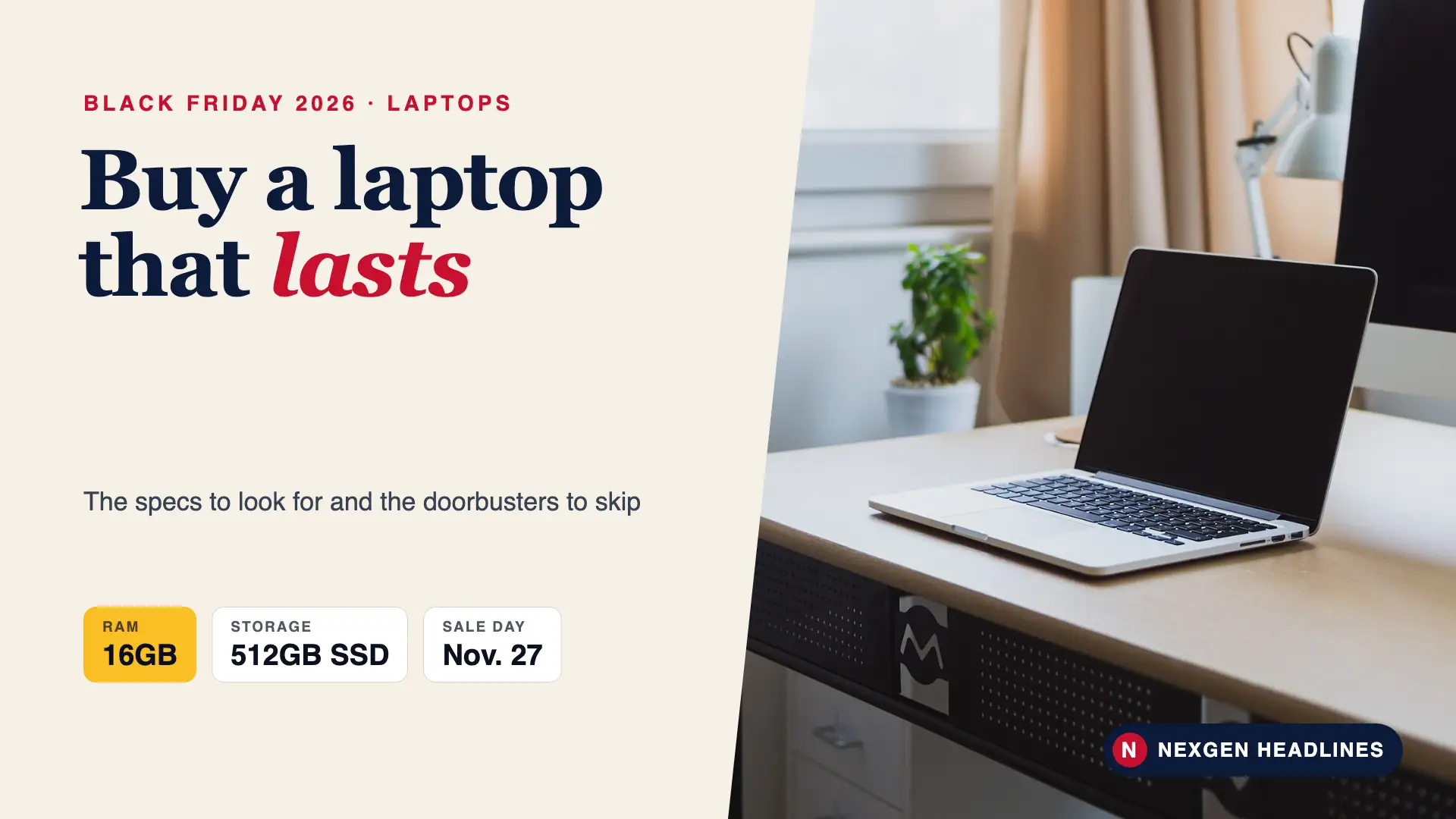

Quick answer: For a Black Friday laptop that lasts, look for 16GB of RAM, a 512GB SSD and a recent processor. Avoid 4GB RAM and 64GB storage doorbusters. For a Chromebook, check its update date on Google’s Auto Update policy page. Black Friday is Nov. 27, 2026; Cyber Monday is Nov. 30.
Laptops are where Black Friday has the best and worst deals side by side. A $199 laptop can be a great Chromebook for a student, or a slow Windows machine that is frustrating on day one. Here is how to tell the difference.
Black Friday laptop specs at a glance
| Part | Skip | OK for basics | Best value |
|---|---|---|---|
| RAM (memory) | 4GB | 8GB | 16GB |
| Storage | 64GB eMMC | 256GB SSD | 512GB SSD |
| Screen | 1366 x 768 (HD) | 1920 x 1080 (Full HD) | Full HD or higher, IPS or OLED |
| Processor (Windows) | Celeron, Pentium, Athlon | Intel Core i3, AMD Ryzen 3 | Intel Core i5/Ultra 5, Ryzen 5 or better |
| Battery | Under 6 hours claimed | 8 hours | 10+ hours |
| Weight | Over 5 lbs (for travel) | 4 lbs | Around 3 lbs |
If you remember one thing: RAM and an SSD matter more than the processor name for everyday speed.
How to pick a Black Friday laptop: 6 steps
- Decide Windows, Mac or Chromebook based on what you already use.
- Write down your must-haves: screen size, weight, and any program you need, like Microsoft Office or a game.
- Check RAM and storage first. Cross off anything with 4GB of RAM or 64GB of storage.
- Look up the exact model number for reviews. Holiday-only models can have weaker screens or batteries.
- Check the price history with a price tracker. A good deal is below the last 90 days.
- Read the return policy, and test the laptop as soon as it arrives.
Windows, Mac or Chromebook?
Chromebook
Best for students, web browsing, email and Google Docs. Chromebooks are cheap and fast on modest hardware. In 2023, Google said Chromebooks from 2021 onward get 10 years of automatic updates. Older models have shorter dates.
Before you buy a Chromebook deal, search Google’s “Auto Update policy” page for the model. If its updates end soon, skip it.
Windows laptop
Best if you need Microsoft Office desktop apps, specific programs or games. Windows 11 is the current version. Microsoft ended support for Windows 10 on Oct. 14, 2025, so avoid any refurbished deal still running Windows 10 unless it can upgrade.
MacBook
Best for iPhone users and anyone who wants a long-lasting laptop with great battery life. MacBook Air models often see Black Friday discounts at major stores. Apple’s own store rarely cuts prices but sometimes offers gift cards.
Who should buy what
| Buyer | Best type | Look for |
|---|---|---|
| K-12 student | Chromebook | Long update date, sturdy build, 8GB RAM |
| College student | Windows or MacBook Air | 16GB RAM, light weight, long battery |
| Older parent, email and video calls | Chromebook or basic Windows | Big Full HD screen, good webcam, simple setup |
| Home office worker | Windows or Mac | 16GB RAM, 512GB SSD, good keyboard |
| Gamer | Gaming Windows laptop | Dedicated graphics card, 16GB RAM, 144Hz screen |
Made-up example: two $399 laptops
These are made-up examples to show how to compare ads. They are not real prices.
Ad 1 offers a 15.6-inch Windows laptop with a Celeron chip, 4GB RAM and 128GB storage. Ad 2 offers a 14-inch laptop with a Ryzen 5, 16GB RAM and a 512GB SSD. Same price.
Ad 1 has a bigger screen, but it will feel slow with a few browser tabs open. Ad 2 is the real deal and should stay fast for years.
Doorbuster red flags
- 4GB of RAM on a Windows laptop
- 64GB or 128GB “eMMC” storage, which fills up with updates
- HD (1366 x 768) screens, which look blurry next to Full HD
- No model number in the ad
- “Refurbished” or “renewed” without a clear warranty
- Old processor generations sold as new
Is the Black Friday price real?
Ads often show a high “list price” that almost nobody paid. Check a free price tracker for the past three months. If the “deal” matches October’s price, wait.
Also compare three stores for the same model number. Many retailers run early Black Friday sales in November, and Cyber Monday on Nov. 30 can bring the same or lower online prices.
Watch fake reviews, too. In 2024, the FTC finalized a rule banning fake reviews, including ones written by AI. Still, read the 3-star reviews; they are usually the most honest.
Screen, keyboard and ports: the details ads skip
Ads lead with the processor and price. The parts you touch every day matter just as much.
- Screen panel: look for “IPS” or “OLED.” Cheaper “TN” panels look washed out from an angle.
- Brightness: around 300 nits is fine indoors. Aim higher if you work near windows.
- Keyboard: a backlit keyboard helps at night. A number pad helps with spreadsheets.
- Ports: at least one USB-C that charges, plus one regular USB-A for older gadgets. HDMI is handy for TVs and monitors.
- Webcam: 1080p makes video calls look much better than 720p.
- Wi-Fi: Wi-Fi 6 or newer works better on busy home networks.
New, refurbished or open-box?
Refurbished and open-box laptops can save a lot, but only from sellers that offer a real warranty and returns.
| Type | Good for | Check before buying |
|---|---|---|
| New | Anyone who wants full warranty and the latest model | Exact model reviews and price history |
| Manufacturer refurbished | Saving money with a warranty | Warranty length, battery condition |
| Open-box | Like-new items returned to a store | All parts included, return window |
| Used, private seller | Tech-savvy buyers only | Activation locks, battery health, no returns |
How long should a laptop last?
A well-chosen Windows laptop or MacBook usually lasts several years for everyday use. Cheap models with 4GB of RAM often feel slow much sooner. That is why spending a bit more for 16GB of RAM usually costs less per year of use.
Laptop deals for families: one tip that saves the most
If you are buying for more than one person, don’t buy the same laptop for everyone. A teen doing homework and a parent working from home need different machines. Buy the Chromebook where it fits and spend the savings on 16GB of RAM for the person who works on the laptop all day. Set up each person’s own login so files and passwords stay separate.
Also read: Early Black Friday 2026: Sale Dates and What to Buy Now
What to do when your laptop arrives
- Run all updates before you install anything else.
- Remove trial software you don’t want, like 30-day antivirus trials.
- Turn on the built-in security: Windows Security, or the Mac’s FileVault.
- Test the screen, keyboard, ports and battery in the first week, inside the return window.
- Back up your old computer’s files to the cloud or an external drive.
Accessories worth adding (and ones to skip)
Worth it: a simple laptop sleeve, a wireless mouse and, for students, a USB-C hub if the laptop has few ports. Skip: store-brand “tune-up” services, paid antivirus on a new Windows 11 laptop for most home users, and long extended warranties on budget models.
Paying for it the smart way
Use a credit card you can pay off in full. It gives you dispute rights if the order never shows up. Be careful with store cards that use deferred interest. If you don’t pay the full balance by the deadline, they may charge interest back to the purchase date.
Recommended products
Compare current laptop prices and the add-ons most buyers use.
- Laptops with 16GB RAM and 512GB SSD
- Chromebooks with 8GB RAM
- MacBook Air models
- Laptop sleeves and wireless mice
Disclosure: As an Amazon Associate, Nexgen Headlines earns from qualifying purchases.
FAQ
Is 8GB of RAM enough in 2026?
For a Chromebook, yes. For a Windows laptop, 8GB works for basics, but 16GB stays fast longer with many browser tabs and apps.
Are Black Friday laptops worse quality?
Some holiday models cut corners on screens, storage or batteries. Search the exact model number for reviews before buying.
Should I buy a Chromebook for a student?
Often, yes, if the school uses Google tools. Check the model’s update end date on Google’s Auto Update policy page first.
Can I still use Windows 10?
Microsoft ended Windows 10 support on Oct. 14, 2025. A new laptop should come with Windows 11.
When is Black Friday 2026?
Friday, Nov. 27. Cyber Monday is Nov. 30.
Bottom line
The best Black Friday laptop deal is not the cheapest one. Aim for 16GB of RAM and a 512GB SSD on Windows, or a long update date on a Chromebook. Check the exact model and its price history, and you’ll get a laptop that stays fast for years.
Last reviewed: Nov. 3, 2026.
Sources: Tom’s Hardware on Chromebook 10-year updates, PCWorld, Microsoft: Windows 10 support ended, FTC fake reviews rule (Aug. 2024), FTC: Shopping online.
Featured image: Photo: Norbert Levajsics / Unsplash via Wikimedia Commons, CC0; edited by Nexgen Headlines.