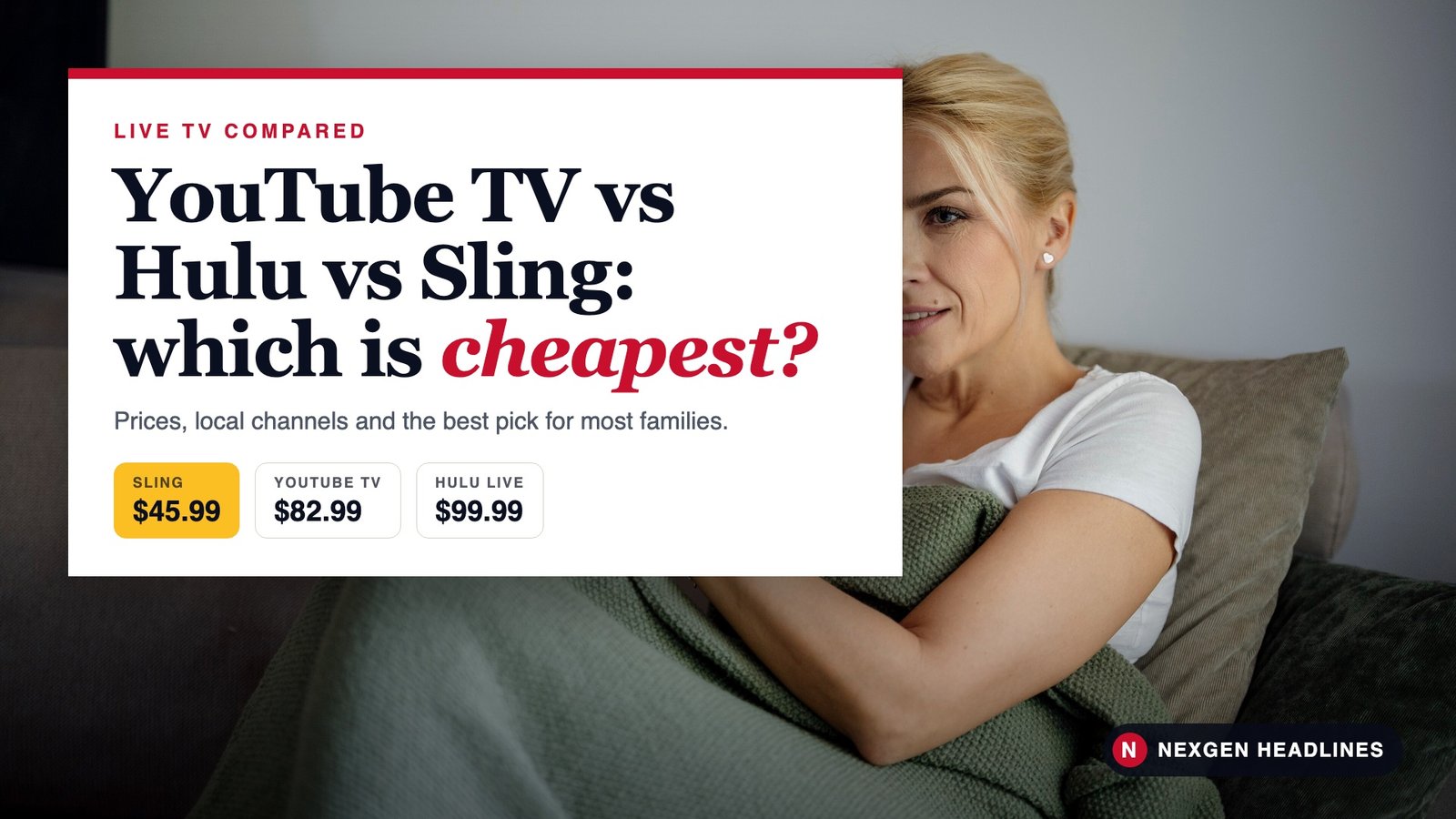

Quick answer: Sling is the cheapest live TV service at $45.99 a month for Orange or Blue, but local channels are limited. YouTube TV ($82.99) is the best value for most families, with locals in most areas and unlimited DVR. Hulu + Live TV (about $99.99) costs the most but includes Disney+ and the Hulu library.
Side-by-side comparison
| Sling Orange / Blue | YouTube TV | Hulu + Live TV | |
|---|---|---|---|
| Monthly price | $45.99 each, $60.99 for both | $82.99 | About $99.99 with ads |
| New-user deal | Check Sling’s site | $59.99/mo for 2 months (through Nov. 16, 2026) | Promos vary |
| Free trial | Varies | 5 days | Varies |
| Local channels | Select markets only | Most markets | Most markets |
| Channels | Fewer, split across two plans | 100+ | 100+ |
| Extras included | Free Sling Freestream channels | Unlimited DVR | Disney+, Hulu library, ESPN content |
| Best for | Tight budgets, cable channels | Most families, sports, locals | Disney and Hulu fans |
Prices as of Oct. 23, 2026. Sling and YouTube TV prices are from their official sites. The Hulu + Live TV price is from recent reports; Disney raised it in fall 2026. Taxes and regional sports fees may apply.
Sling: the cheapest, with trade-offs
Sling splits its channels into two plans, Orange and Blue, at $45.99 each. Get both for $60.99.
- Sling Orange leans toward ESPN and Disney channels. It allows one stream at a time.
- Sling Blue has more news and entertainment channels and some local channels in select markets. It allows several streams at once.
- Add-ons: Sports Extra and News Extra cost more. Sling lists Orange + Sports Extra at $56.99 and Blue + News Extra from $51.99.
- Sling Freestream is free and offers hundreds of free live channels with ads, even without a paid plan.
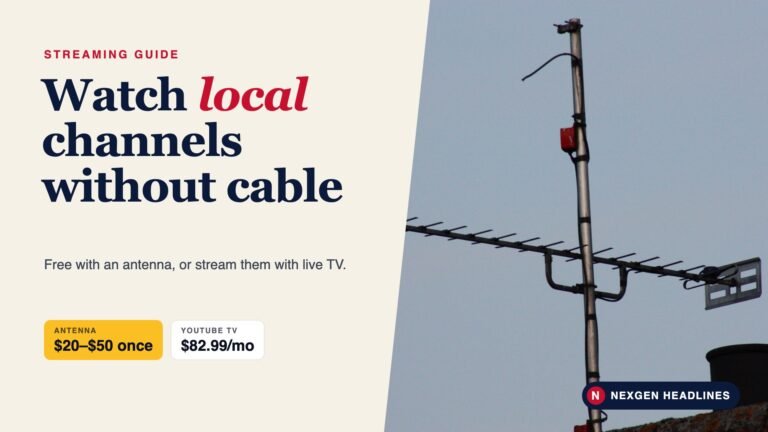
The catch: Sling says ABC, FOX and NBC are only available in select markets. Many people pair Sling with a TV antenna for local channels.
YouTube TV: the best all-rounder
YouTube TV costs $82.99 a month for 100+ channels, including local ABC, CBS, NBC and FOX in most areas. According to YouTube, new users can pay $59.99 a month for the first 2 months through Nov. 16, 2026, and there’s a 5-day free trial.
- Unlimited DVR lets you record as many shows and games as you want.
- Family sharing lets several household members have their own profiles.
- NFL Sunday Ticket is sold as an add-on through YouTube, at an extra cost.
- Add-ons like 4K and premium channels cost extra.
Hulu + Live TV: the bundle pick
Hulu + Live TV costs about $99.99 a month with ads and about $109.99 with ad-free on-demand shows, according to recent reports. Disney raised the price for new customers in September 2026.
The higher price includes more than live channels. You also get Disney+, the full Hulu library and ESPN content. If you’d pay for Disney+ and Hulu anyway, the real extra cost of live TV is lower than it looks.
Also read: Disney+ and Hulu price increase 2026: new prices and how to pay less.
What about Fubo and DirecTV?
- Fubo is built for sports fans and carries many regional sports networks. Its plans generally cost more than YouTube TV once fees are added.
- DirecTV’s streaming plans are often the best way to get regional sports networks for local NBA, NHL and MLB teams, but they’re among the most expensive.
If you follow a local pro team, check which service carries your team’s regional network before you choose.
The true yearly cost
Our own math at the regular prices listed above, before taxes and fees.
| Service | Per month | Per year |
|---|---|---|
| Sling Orange or Blue | $45.99 | $551.88 |
| Sling Orange & Blue | $60.99 | $731.88 |
| YouTube TV | $82.99 | $995.88 |
| Hulu + Live TV (with ads) | $99.99 | $1,199.88 |
Sling Orange or Blue saves about $444 a year compared with YouTube TV. Whether that’s worth it depends on how much you need local channels.
Which one should you pick?
| If you… | Pick |
|---|---|
| Want the lowest bill and have an antenna for locals | Sling Orange or Blue |
| Want locals, sports and a simple setup | YouTube TV |
| Already pay for Disney+ and Hulu | Hulu + Live TV |
| Follow a local NBA, NHL or MLB team | Check DirecTV or Fubo for your regional network |
| Only watch a few channels | Skip live TV; use an antenna plus one or two apps |
Internet speed: what you actually need
Live TV uses more data than people expect, especially during sports. As a simple rule of thumb:
- HD streaming: plan for at least 10 to 25 Mbps per TV streaming at the same time.
- 4K streaming: plan for about 25 Mbps or more per TV.
- Several people streaming: add up each stream, and leave room for phones and computers.
You can test your speed for free at the FCC’s speed test or your internet provider’s site. If games buffer, try plugging your streaming device into the router with a cable before you upgrade your plan.
Watching on more than one TV
Each service limits how many screens can stream at once on one account:
- Sling Orange allows one stream at a time, which can be a problem for families.
- Sling Blue allows several streams at once.
- YouTube TV and Hulu + Live TV allow several streams at home, with add-ons for more.
If two people in your house watch different games at the same time, this matters more than the channel count. Check each service’s current stream limits before you sign up, since they can change.
How to save money on live TV streaming
- Use new-user deals and free trials, and set a reminder to cancel if you don’t love it.
- Subscribe only during your sport’s season. There are no contracts, so cancel in the off-season.
- Add an antenna and choose a cheaper service without locals.
- Skip add-ons like 4K or extra DVR unless you really use them.
- Check your phone and internet plans. Some include streaming perks or discounts.
- Pay attention to price-increase emails. Rates go up often; compare again when they do.
Made-up examples
These are made-up examples to show how the choice works.
The Garcias in Phoenix watch local news, college football and HGTV. They chose YouTube TV for its locals and unlimited DVR, and used the $59.99 promo for the first 2 months.
Kevin, a renter in Atlanta, mostly watches ESPN and a few cable shows. He uses Sling Orange for $45.99 and a $25 antenna for local channels, saving more than $400 a year compared with YouTube TV.
Priya’s family in New Jersey already paid for Disney+ and Hulu. Switching to Hulu + Live TV added live channels and replaced those two subscriptions.
Common mistakes
- Not checking local channels by ZIP code before you sign up.
- Forgetting regional sports fees that some services add.
- Letting a promo roll into full price without noticing.
- Paying for live TV you barely watch. On-demand apps may be enough.
- Ignoring your internet speed. Several live streams at once need a solid connection.
FAQ
Which live TV streaming service is cheapest?
Sling, at $45.99 a month for Orange or Blue. Free services like Sling Freestream, Pluto TV and Tubi cost nothing but don’t include full local channels.
Does YouTube TV have local channels?
Yes, in most U.S. markets. Enter your ZIP code on YouTube TV’s site to confirm.
Is Hulu + Live TV worth it?
It’s worth it if you’d pay for Disney+ and Hulu anyway. Otherwise, YouTube TV usually costs less for a similar channel lineup.
Can I cancel anytime?
Yes. None of these services require a contract. You keep access until the end of your billing period.
Can I switch services in the middle of the month?
Yes. Cancel the old one and you keep access until your billing period ends. Start the new service’s free trial a day or two before, so you’re never without TV. Recordings saved in one service’s DVR don’t move to another.
Do these services raise prices often?
Yes. Live TV prices have gone up almost every year. Watch for email notices and compare again when your rate changes.
Do I need a special device?
No. All three work on Roku, Fire TV, Apple TV, Google TV, most smart TVs, phones and computers.
Bottom line
For most families, YouTube TV is the best mix of price, local channels and DVR. Choose Sling if you need the lowest bill and have an antenna. Choose Hulu + Live TV if Disney+ and Hulu are already part of your budget. Check your ZIP code and use a trial before you commit.
Recommended products
- Roku streaming stick – Runs Sling, YouTube TV and Hulu.
- Fire TV Stick 4K – Budget 4K streaming for any TV.
- Indoor HDTV antenna – Add free local channels to Sling.
Disclosure: As an Amazon Associate, Nexgen Headlines earns from qualifying purchases. Prices and availability can change.
Sources: YouTube TV; Sling TV; DealNews – Hulu Live TV cost, October 2026; Consumer Reports – Streaming services guide; Engadget – Best live TV streaming services.
Last reviewed: Oct. 23, 2026.